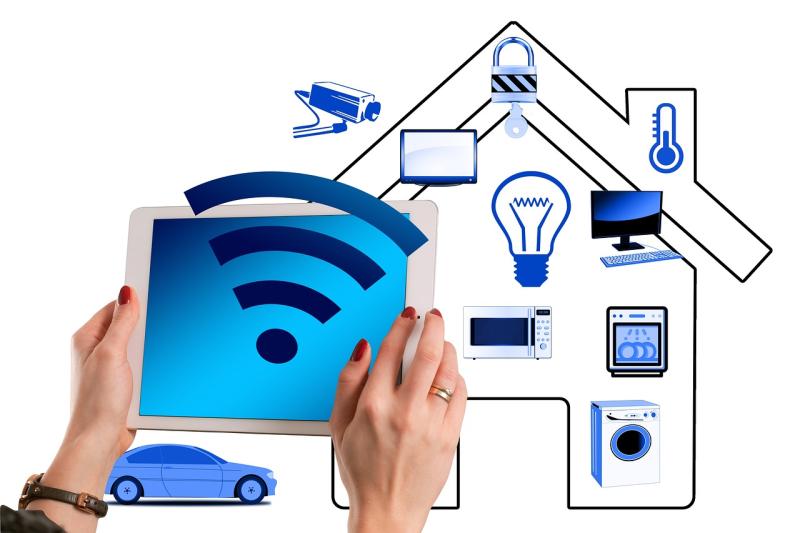
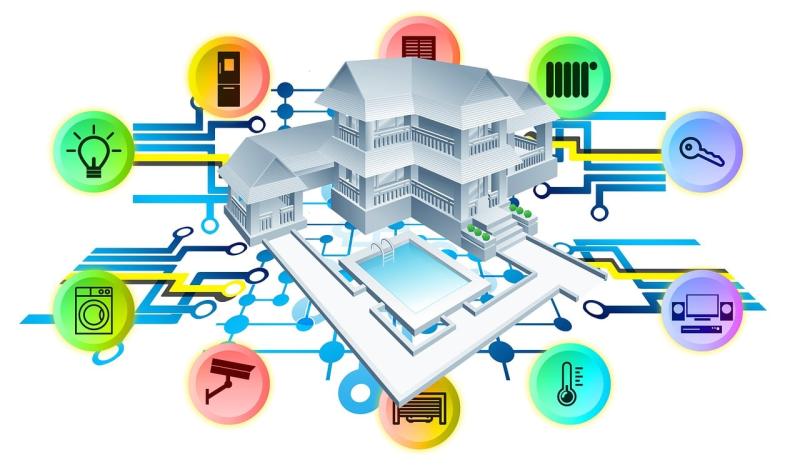
The first thing you should do is think about what areas of your home you'd like to automate. Are you looking to control your lights, thermostat, or maybe even your security system? Make a short list of must-haves. This will help you focus on what’s most important to you.
Next, choose the right smart hub. This little device will connect all your smart products. Popular options include Amazon Echo, Google Nest Hub, or Apple HomePod. Pick one that fits your lifestyle. If you already use Alexa or Google Assistant, stick with what you know!
Once you have your hub, start adding devices. Look for smart bulbs, plugs, and cameras that work with your hub. Many brands offer products that easily connect with your chosen hub. Just follow the instructions, and you’ll be controlling your home with a simple app or your voice in no time.
Don’t forget about security! Set up your smart devices to keep an eye on your home, especially if you’re away. With alerts and live feeds straight to your phone, you can feel more at ease. Home automation isn’t just convenient; it can also make your space safer.
Choosing the Right Smart Devices
Next, consider compatibility. If you already have some smart devices at home, check if you're adding something that plays nice with your current setup. Many devices work with smart hubs like Google Home or Amazon Alexa, making it easier to control everything from one central app. That means less fuss and more control!
Look for devices that are user-friendly. You want something that you can set up without needing a degree in tech. Reviews can be super helpful here; real user experiences give you the scoop on what works and what doesn't. Plus, you might find some great tips on making the most of your new gadgets.
Lastly, think about your budget. There's a wide range of prices out there, from affordable options to high-end products. Pick devices that fit your lifestyle without breaking the bank. You can always start small and build your smart home step by step.
Setting Up Your Smart Home System
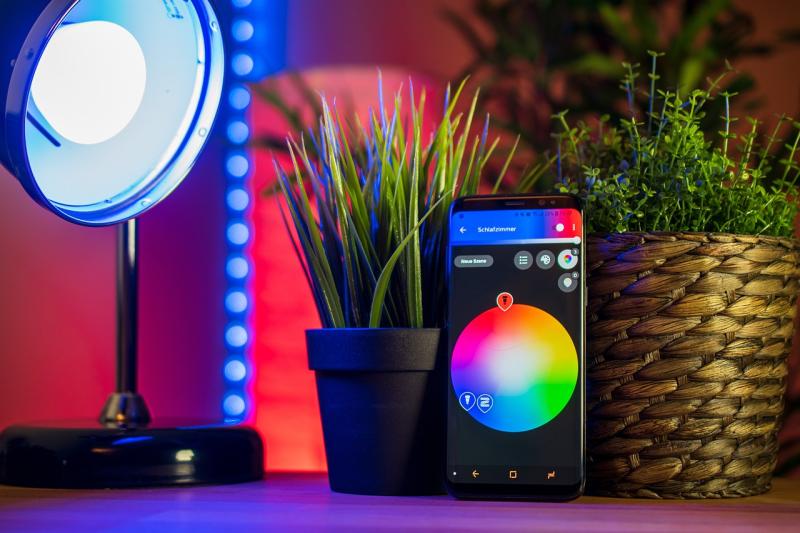
Next, think about what you want to automate. Lighting is a great starting point. Smart bulbs and switches like Philips Hue or Lutron Caseta are user-friendly and offer tons of customization. You can change colors, set schedules, and even control them remotely from your phone. Imagine walking into a room and having the lights turn on automatically!
Once your lights are set, consider adding some smart plugs. These little gadgets let you control whatever is plugged in — lamps, fans, or even your coffee maker. With apps, you can turn them on or off from anywhere. How nice would it be to brew coffee as you get out of bed?
Lastly, don’t forget about security! Smart cameras and doorbells like Ring or Arlo give you peace of mind. You can check on your home from your phone and get alerts if something seems off. With these essentials in place, you’re well on your way to a smart, secure home.
Tips for a Smooth Automation Experience
Getting started with home automation can be a breeze if you keep a few tips in mind. First off, think about your needs. Are you looking to improve security, save energy, or just have some fun with smart gadgets? Make a list of what matters most to you to help guide your choices.
Next, pick a central hub. This is the brain of your setup, connecting all your devices. Whether it’s a smart speaker like Amazon Echo or a dedicated hub, having a solid central point makes everything work better together. Make sure it's compatible with the devices you want to use.
Don’t rush into buying everything at once. Start small—maybe add a smart light bulb or a smart plug first. Once you get the hang of controlling those via your phone or voice, you can expand your system with cameras or sensors. It’s way easier to learn in steps.
Set up routines or schedules to get the most out of your devices. For instance, if you come home at 6 PM, program your lights to turn on a few minutes before. This small tweak can add a lot of convenience. Plus, it makes your home feel lived in when you're not there.
Last but not least, stay updated. Many smart devices get regular software updates that improve performance or add new features. Keeping your devices up to date ensures everything runs smoothly and you get the best experience possible.